
Never buy another duplicate book, movie, album or game. Use Pocketpedia on your iPhone and iPad to keep your media library right in your pocket. Sync your data from DVDpedia, Bookpedia, CDpedia and Gamepedia and you're ready to go.

Pocketpedia syncs over any WiFi network. Just make sure your Mac and your mobile device are connected to the same network and tap the 'Sync' button in Pocketpedia. The first sync takes a little longer since the program has to sync over all the cover images and data. Subsequent syncs will be much faster because the program only needs to sync the information that has been edited or added.

Add entries from Doghouse directly to Pocketpedia with a keyword search or barcode scan. Doghouse is the Pedias' own online database built exclusively by and for Pedia users from around the world.
You can use Pocketpedia as a barcode scanner for the Pedia programs too. Just tap the little computer icon at the bottom of the video screen so it turns green and scans will automatically be sent to your Mac for scanning or stored until you connect to the same Wifi network.

Pocketpedia is a universal app, it works on both iPhone and iPad.

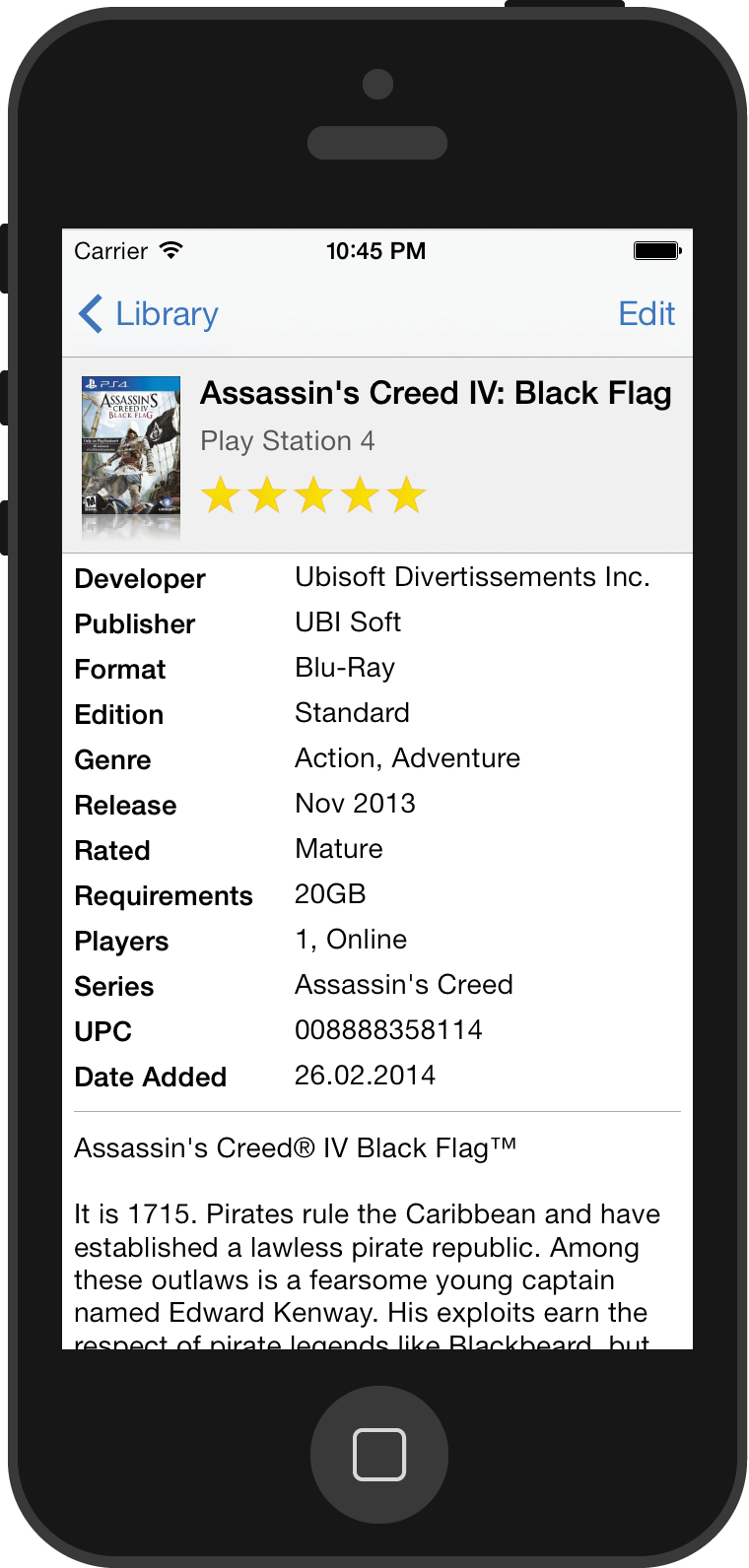
Scans Barcodes with your device's camera:
- 1. Click the Action button in your Library
- 2. Select Add
- 3. Click the camera icon next to the search field

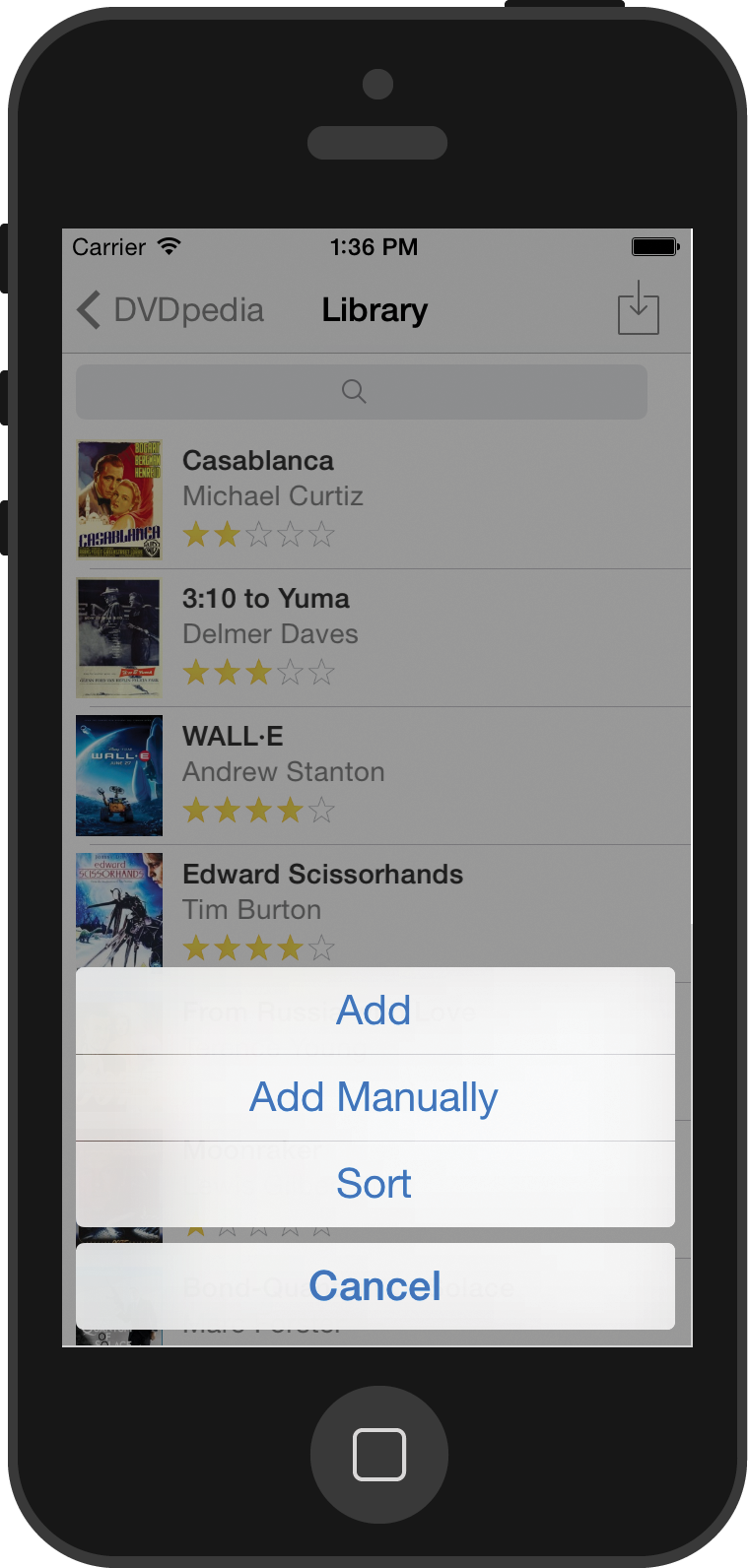

Two-way sync from and to the Mac
Bar code scanning
Create collections
Move entries between collections
Mark entries as borrowed, returned or bought
Address book integration
No collection size limit (SQL format)
Search Doghouse with keywords or UPC scans
Localized in Spanish, German, French, Italian & Dutch
 DVDpedia
 Bookpedia
 CDpedia
 Gamepedia